Cloud ERP vs On-Premise ERP for Singapore SMEs: How to Decide
For most Singapore SMEs without a dedicated IT team, cloud ERP is the safer default because someone else runs the servers, backups and upgrades. On-premise or privately hosted ERP can still be the better choice when you have a data residency requirement, deep customisation needs or an IT team that can run it well. The decision should rest on your five-year total cost, your IT capability and where your data must sit, not on a preference for either model. Mxgsoft implements Odoo as MoxogoERP, so we state where we have a stake.
What is the difference between cloud, hosted and on-premise ERP?
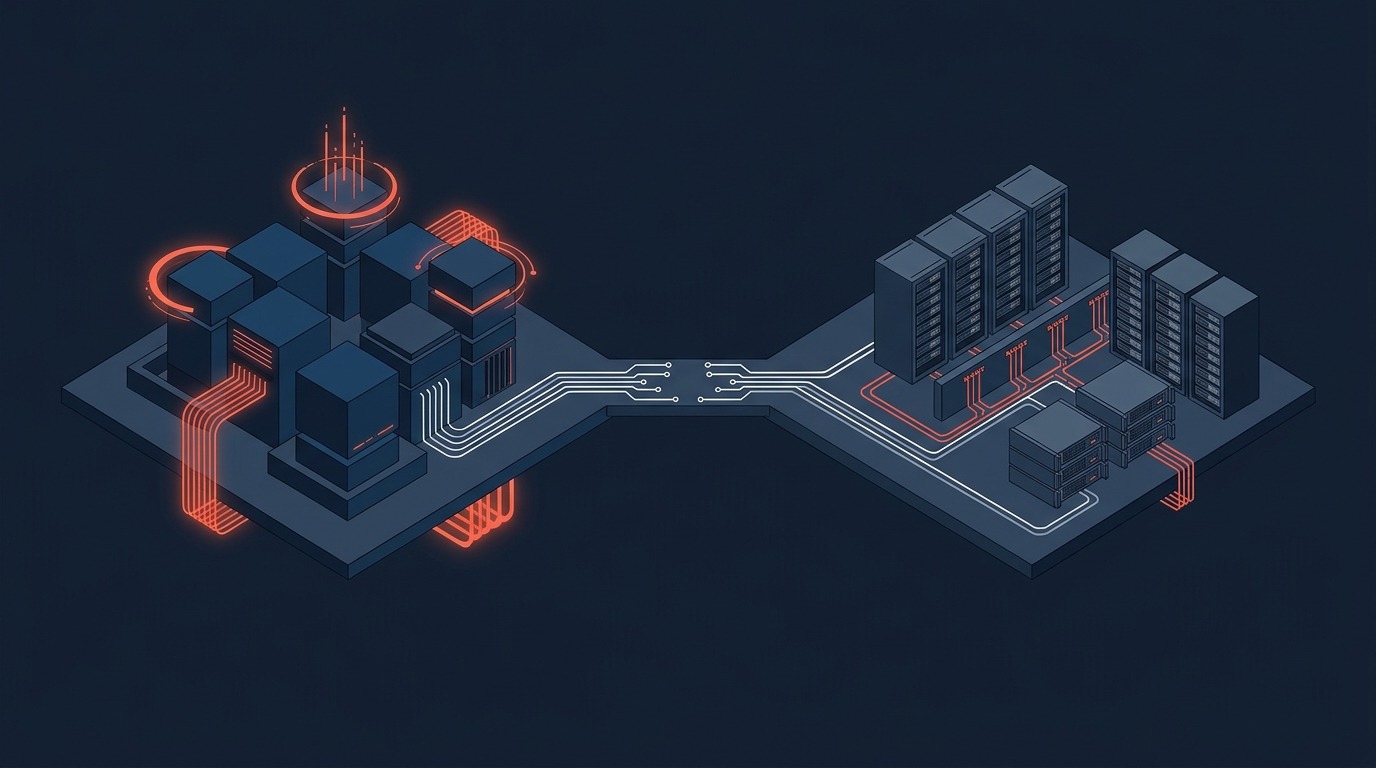
The difference is who runs the infrastructure and how you pay. The table compares the three models.
| Factor | Cloud (SaaS) | Hosted or private cloud | On-premise |
|---|---|---|---|
| Who runs the servers | The vendor | A partner or vendor, on dedicated infrastructure | You or your IT provider |
| How you pay | Recurring subscription, often per user | Subscription or licence plus a hosting fee | Licence or subscription, plus hardware and management costs |
| Customisation | Mostly configuration within the vendor’s design | More freedom, agreed with the host | Most freedom, with the most to maintain |
| Upgrades | Often scheduled by the vendor | Planned with the host | Planned and funded by you |
| Data location | Set by the vendor; ask for Singapore or regional options | Agreed in the contract | Wherever you place the servers |
| Exit | Depends on export tools and contract terms | Depends on the host agreement | You hold the system and data |
Some ERPs, including Odoo, can run in more than one of these ways depending on the edition and agreement. Confirm in writing which options your vendor or partner actually supports.
Which model costs less over five years?
It depends on your user count, customisation and IT capability, so model both over five years. Cloud usually costs less to start because there is no hardware to buy. Over a longer period, the answer changes with the number of users, price changes at renewal and the cost of running a server yourself. We have not quoted crossover points because published figures vary by vendor and scope. Ask each vendor to price the same requirements, then build the comparison from these cost lines:
| Cost line | Cloud | On-premise |
|---|---|---|
| Subscription or licence | Grows with users and modules; check renewal terms | Upfront licence or subscription plus annual support |
| Servers and hardware | Included | Purchase and refresh |
| IT management | Mostly included | Staff or an outsourced provider |
| Backups and disaster recovery | Check what is included | You design, fund and test them |
| Upgrades | Often included; check customisation impact | Project cost each time |
| Exit costs | Data export and migration | Decommissioning and migration |
Our guide to the true cost of ERP transformation explains how to compare total cost of ownership.
How do customisation and upgrades differ?
On-premise and hosted models usually allow deeper changes to the system. Cloud models usually favour configuration within the vendor’s design. In every model, each customisation is something that must be maintained and retested when the system upgrades. Heavy customisation increases upgrade cost and risk, so ask who maintains each custom item and what an upgrade costs.
How reliable is each model?
Ask for the service levels in writing: uptime commitment, backup frequency, recovery time and support hours. Cloud shifts infrastructure risk to the vendor but makes you dependent on your internet connection. On-premise reliability depends entirely on your investment: a maintained server with power protection, redundant storage and tested backups can be reliable, while a neglected server in a cabinet cannot.
What about security and data residency under the PDPA?
Security depends on the provider’s controls, not on the hosting model alone. Ask any provider about access control, encryption, penetration testing, certifications and incident response. Residency matters because the PDPA has a transfer limitation obligation. If a cloud vendor stores your data outside Singapore, you need contractual protections and should know where the data sits. Ask specifically for Singapore or regional hosting options and keep the answer in the contract.
What breaks when you choose on price or preference alone: a cheap subscription that becomes expensive as users grow, an on-premise server that nobody patches or backs up, a customised system that cannot be upgraded, or data stored in a location your contract never specified.
What should you ask a cloud or hosting provider?
Put these questions to every provider and keep the answers in writing, because they decide your risk more than the hosting label does.
| Topic | Question |
|---|---|
| Data location | In which country and data centre is our data stored, and can it be restricted to Singapore or a named region? |
| Backups and recovery | How often are backups taken, where are they stored, and how long does a full restore take? When was it last tested? |
| Service levels | What uptime and support response times are committed, and what happens when they are missed? |
| Security | Which access controls, encryption and independent certifications or tests are in place? |
| Upgrades | Who schedules upgrades, how are customisations tested, and what does it cost? |
| Exit | In what format can we export all our data, how quickly, and at what cost? |
A provider that answers these clearly and in writing is easier to trust than one that offers a general assurance.
When does each model fit?
- Cloud fits when you want lower upfront cost, have no IT team, value automatic updates and have staff in several places.
- Hosted or private cloud fits when you need more control or customisation but do not want to run servers.
- On-premise fits when you have a specific residency or policy requirement the cloud options cannot meet, an IT team that can run it, and stable user numbers that make the five-year economics favour owning.
What no hosting model can own: your process design, your data quality and your user discipline. Moving to the cloud does not fix a poor process. It runs it somewhere else.
Frequently asked questions
Is cloud ERP safe for a Singapore SME?
It can be, but check the provider rather than assume. Ask about access control, encryption, backups, certifications, incident response and where your data is stored.
Does the PDPA allow cloud ERP with servers outside Singapore?
The PDPA has a transfer limitation obligation, so you must ensure that personal data sent overseas receives comparable protection, usually through contract terms. Take legal advice for your situation.
Is on-premise ERP cheaper in the long run?
Sometimes, for stable user numbers and a capable IT team. Model both options over five years with the same requirements, including hardware refresh, IT management and upgrades.
Can I move from on-premise to cloud later?
Usually yes, as a migration project. Ask your vendor about export tools, supported versions and the effort involved before you decide.
Which model is faster to implement?
Cloud avoids hardware purchase and server setup, so the project can focus on configuration, data migration and training. The size of the saving depends on your project, so ask your partner for a written plan.
A question for you: who in your business would patch, back up and recover the server at 2 a.m. if you chose on-premise?
By Willie Loo, Managing Director, Mxgsoft Pte Ltd and Moxogo Pte Ltd, Singapore. Last reviewed 10 November 2026. This article is general information and not legal advice.
Next step: list your requirements for data location, customisation and IT support, then ask each vendor which hosting options meet them. If you want a second opinion, talk to us about a Resource Master Audit.
More Articles

Team Human and the Pro-Human AI Declaration, Fact-Checked: What Two Campaigns Say and What Holds Up
Two 2026 campaigns ask who stays in charge of AI: Team Human wants a global slowdown, the Pro-Human AI Declaration sets 33 principles. We read both so...
Read Article
Preschool and Childcare Management Software Singapore: From Enrolment to Fee Collection Without the Paperwork
Why Childcare Centres Need Better Systems Singapore’s early childhood education sector is growing, government subsidies, rising enrolment rates,...
Read Article
The Pro-Human AI Declaration for Business: 33 Principles and What Each Means for a Small Company
The Pro-Human AI Declaration has 33 principles. Which ones can a small business act on? Each principle in plain words, with a 15-question self-check, ...
Read Article