
The Practical AI + ERP Architecture: Where AI Belongs in Your Stack
The question is not whether to add AI to your ERP. It is where AI belongs in the architecture. Put it in the wrong place and you get an impressive demo that quietly corrupts your data. Put it in the right place and it accelerates the business without weakening a single control.
This is Part 6 of the series on why AI will not replace proper ERP. Part 5 described the guardrails agents need. This article turns the argument into an architecture you can build and explain to your team.
What is a practical architecture for AI and ERP together?
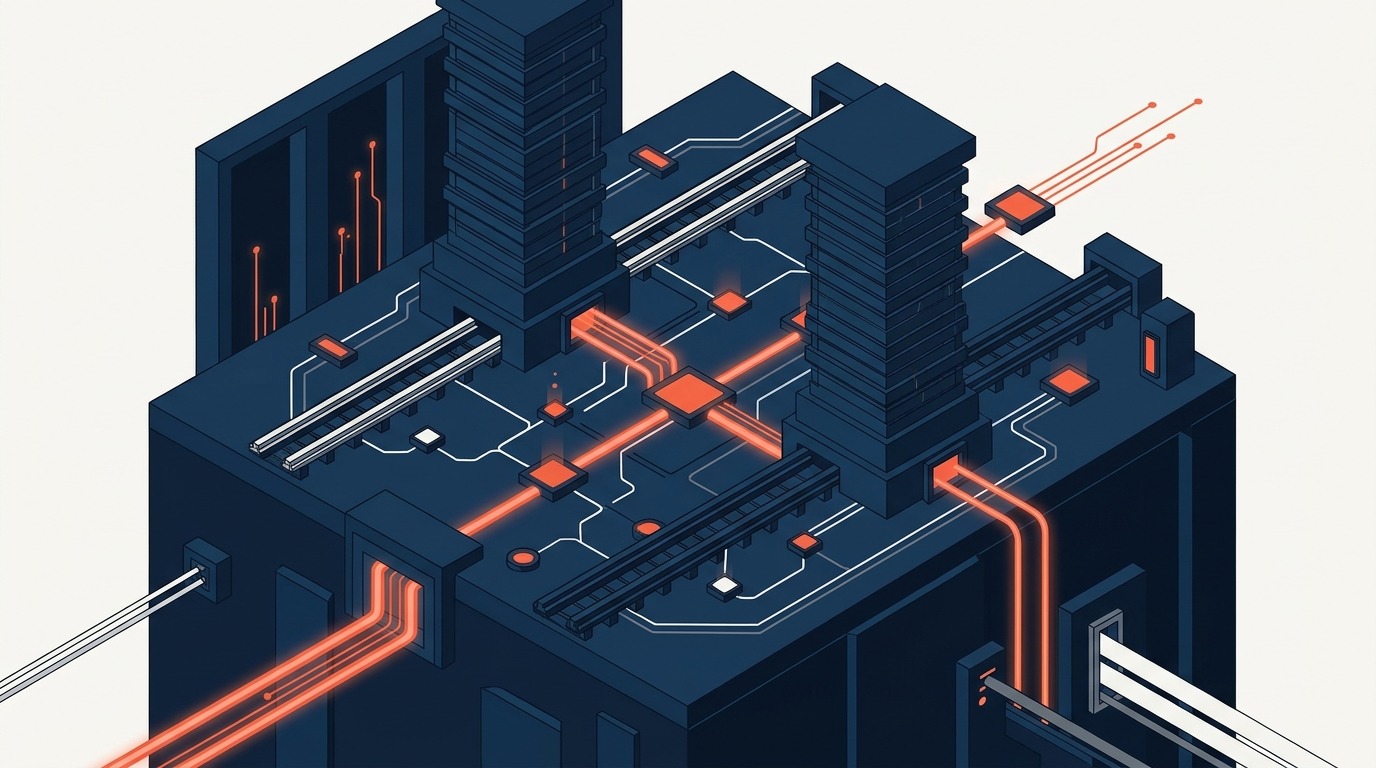
A five-layer model: an experience layer where people interact, an intelligence layer that analyses and recommends, an orchestration layer that coordinates workflow, an ERP process layer that executes and governs, and a data layer that maintains the truth. AI lives mainly in the top two layers. Control lives in the bottom two.
| Layer | Role | Examples | Character |
|---|---|---|---|
| Experience | Help users work faster | Chat assistant, document drafting, natural-language search | Flexible, conversational |
| Intelligence | Analyse and recommend | Forecasting, anomaly detection, classification, matching | Probabilistic |
| Orchestration | Coordinate workflow | Approval routing, task assignment, exception handling | Rule-based, with AI assistance |
| ERP process | Execute and govern | Orders, inventory, accounting, HR, projects, manufacturing | Deterministic |
| Data | Maintain truth | Master data, transactions, audit trail, integrations | Authoritative |
The rule that makes the model work is directional. Requests flow down: a person asks, intelligence recommends, orchestration routes, the ERP executes, the data layer records. Nothing in the upper layers is allowed to write to the lower layers except through the defined interfaces of the layer below.
What design principles keep the architecture safe?
- Keep deterministic controls in the ERP. Credit limits, tax rules, period locks, approval thresholds and stock rules should never depend on a model’s judgement.
- Use AI for probabilistic judgement and assistance. Classification, extraction, prediction, summarisation and drafting suit AI because a person or a rule can check the result.
- Log every AI-influenced action. Record what the AI suggested, what was done, who approved it and which model and version were involved.
- Start with high-volume, low-risk use cases. Document handling, ticket triage and report narratives teach you the most for the least exposure.
- Measure process KPIs, not only user satisfaction. Cycle time, error rate, rework, exception rate and cost per transaction tell you whether the process improved.
- Give every agent its own identity and limits. This is the same discipline we describe in our three-autonomy-level governance blueprint.
What does this look like in Odoo?
Odoo is a good illustration for SMEs because its apps share one database and one security model. Its access rights and record rules decide who can see and change what, its chatter and tracking keep a history of changes on documents, and its automated actions and approval rules express workflow. These are the deterministic layer. AI belongs around them.
Sensible places to add AI to an Odoo environment include:
- Invoice matching support: read supplier invoices, propose the matching purchase order, leave posting to the accounting app.
- Lead scoring: suggest which leads deserve a call, while the CRM remains the record.
- Support triage: classify and route tickets, with a person handling the reply.
- Demand forecasting: propose reorder quantities, while the inventory app creates the requests within rules.
- Report narratives: explain the figures in plain language, drawn from posted data.
- SOP assistance: answer staff questions from the company’s procedures.
In each case Odoo remains the system of record and the workflow engine. The AI is a capability layer connected to it, not a parallel system holding its own version of the truth. Our own platform, MoxogoERP, follows the same principle.
A scenario: the invoice that travels through every layer
A supplier invoice arrives by email. In the experience layer, the accounts clerk sees it in the inbox with a summary. In the intelligence layer, a model extracts the fields, classifies the expense and proposes the matching purchase order, with a confidence score. In the orchestration layer, low-confidence cases go to a person while high-confidence ones proceed, and anything above a threshold waits for approval. In the ERP process layer, the system checks the match, applies tax, creates the vendor bill and applies payment terms. In the data layer, the posted bill, the extracted values, the approver and the model’s suggestion are all stored, so the whole path can be replayed for an auditor.
Each layer does the job it is best at. Nobody needs to trust the model with the books.
How can AI connect to an ERP?
There are three common patterns, and most companies end up using more than one.
| Pattern | How it works | Strength | Watch out for |
|---|---|---|---|
| Embedded features | AI functions built into the ERP product itself, such as text assistance or document reading | Inherits the ERP’s permissions and audit trail; least integration work | Limited to what the vendor provides; check where data is processed |
| API-connected services | An external AI service reads and writes through the ERP’s published interfaces | Flexible; best-of-breed models; custom workflows | You must manage credentials, limits and logging yourself |
| Agent tool access | An agent calls a defined set of ERP actions through a standard tool interface | Natural-language operation across systems | The action list and permissions must be tightly designed; the agent needs its own identity |
Whichever pattern you choose, apply one test: does every write to the business pass through the ERP’s own validation and permissions? If an AI service can write straight into the database, it bypasses the very controls this series argues for.
What about privacy and data protection?
Connecting AI to an ERP means that customer, supplier and employee data may reach a model. In Singapore, the Personal Data Protection Act applies to personal data you hold, including when a service provider processes it for you. Treat the following as design requirements rather than afterthoughts.
- Minimise. Send the model only the fields it needs for the task, not the whole record.
- Mask where possible. Replace identifiers, bank details and national identification numbers before text leaves your environment.
- Know where processing happens. Ask vendors where data is processed and stored, whether it is used to train models, and how long it is retained.
- Respect purpose. Data collected for one purpose should not quietly be used for another because a new AI feature makes it possible.
- Keep a register. Record which AI services touch which data categories, and review it when anything changes.
Confirm your specific obligations with your data protection officer or adviser. The architectural point is that the ERP’s role-based access gives you a place to enforce data minimisation, which a loose collection of chat tools does not.
How do you choose use cases and measure them?
Pick use cases by volume, risk and measurability. High volume gives you data and savings. Low risk gives you room to learn. Measurable outcomes tell you whether to continue.
| Use case | Layer where AI sits | Business measure to track |
|---|---|---|
| Supplier invoice reading | Intelligence | Minutes per invoice, share posted without correction, duplicate payments avoided |
| Support ticket triage | Intelligence and orchestration | Time to first response, share routed correctly on first attempt |
| Demand forecasting | Intelligence | Stock-outs, excess stock, forecast error against actuals |
| Staff question assistant | Experience | Questions answered without escalation, correctness on a sample review |
| Management commentary | Experience | Hours saved at month end, controller edit rate |
A second scenario: support triage that respects the ERP
A distributor of industrial equipment receives support requests by email. An AI model reads each message and classifies it as a fault report, a warranty claim, a spare-parts request or a billing query. It also extracts the serial number and customer name. In the orchestration layer, rules route each type to the right team, and an urgent fault on a customer with a service contract is escalated.
Here the ERP does two things the AI could not. It validates the serial number against the delivery history to confirm the product, its sale date and its warranty status. And it holds the service contract that determines the response time. The AI’s classification is a suggestion; if it is wrong, the team corrects it, and each correction is stored as feedback. The ticket, the part order and any warranty credit are all created in the ERP and linked to the customer and the serial number, so the whole case can be reviewed later.
What are the common architecture mistakes?
- Letting the model hold the business rules. Rules written into prompts are suggestions. Rules written into the ERP are controls.
- Creating a parallel database. A vector store or assistant memory that quietly becomes the place people trust, with no ownership or audit trail.
- Skipping identity. Running every automation under one shared account.
- Building for the demo. Choosing the use case that impresses in a meeting instead of the one that moves a process measure.
- Ignoring change management. Staff who were not involved will route around any tool they do not trust.
What breaks without the ERP layers
- AI tools write into the business through ad hoc scripts, bypassing the rules.
- The model’s own memory becomes an unofficial second database.
- Nobody can reconstruct why a decision was made.
- Each department buys a different AI tool, and the data fragments again.
What AI cannot own in this architecture
- The rules in the ERP process layer.
- The master data in the data layer.
- The approval authority matrix.
- The decision to promote an AI feature from suggestion to action.
Frequently asked questions
Should AI sit inside the ERP or outside it?
Either can work, provided that all writes go through the ERP’s own interfaces and permissions. The test is not where the model runs but whether it can bypass the rules.
What is the safest first AI use case for an ERP?
Document extraction and classification, such as supplier invoices, with the ERP validating and a person reviewing exceptions. It is high volume, easy to measure and reversible.
Do we need a separate data lake for AI?
Not necessarily. For many SMEs, the ERP database with good master data and some reporting views is enough for the first several use cases. Add infrastructure when a real need appears.
How do we decide when an AI feature may act on its own?
Move through levels: suggest, then act with approval, then act within limits. Promote a feature only when its measured error rate and the cost of its mistakes justify it.
Does adding AI change our PDPA obligations?
Not the obligations themselves, but it can change how personal data flows. Sending personal data to an AI service is a form of processing that you remain responsible for. Minimise what you send, understand where it goes, and confirm your position with your data protection adviser.
Should we build our own AI layer or use what the ERP vendor provides?
Start with the vendor features for common needs, because they inherit permissions and logging. Build or connect custom services only where you have a specific process that justifies it, and route all writes through the ERP.
A question for you: if you drew your own five layers today, which of them would be missing, and which would be duplicated across departments?
Takeaway: the architecture is the strategy. Part 7 turns it into a decision framework and a 90-day plan: A Leader’s Decision Framework for AI and ERP.
By Willie Loo, Managing Director, Mxgsoft Pte Ltd and Moxogo Pte Ltd, Singapore. Part 6 of 9 in the series Why AI Will Not Replace Proper ERP.
Two companion articles extend this series: why agentic tools cannot replace enterprise data governance and audit trails, and how personal AI workflows differ from cross-department ERP control.
Next step: sketch your five layers on one page and mark where any AI tool currently writes directly to a system of record. Those are your first risks. Related reading: AI Access Is a Commodity. Implementation Is the Work.
More Articles
Team Human and the Pro-Human AI Declaration, Fact-Checked: What Two Campaigns Say and What Holds Up
Two 2026 campaigns ask who stays in charge of AI: Team Human wants a global slowdown, the Pro-Human AI Declaration sets 33 principles. We read both so...
Read Article
Preschool and Childcare Management Software Singapore: From Enrolment to Fee Collection Without the Paperwork
Why Childcare Centres Need Better Systems Singapore’s early childhood education sector is growing, government subsidies, rising enrolment rates,...
Read Article
The Pro-Human AI Declaration for Business: 33 Principles and What Each Means for a Small Company
The Pro-Human AI Declaration has 33 principles. Which ones can a small business act on? Each principle in plain words, with a 15-question self-check, ...
Read Article