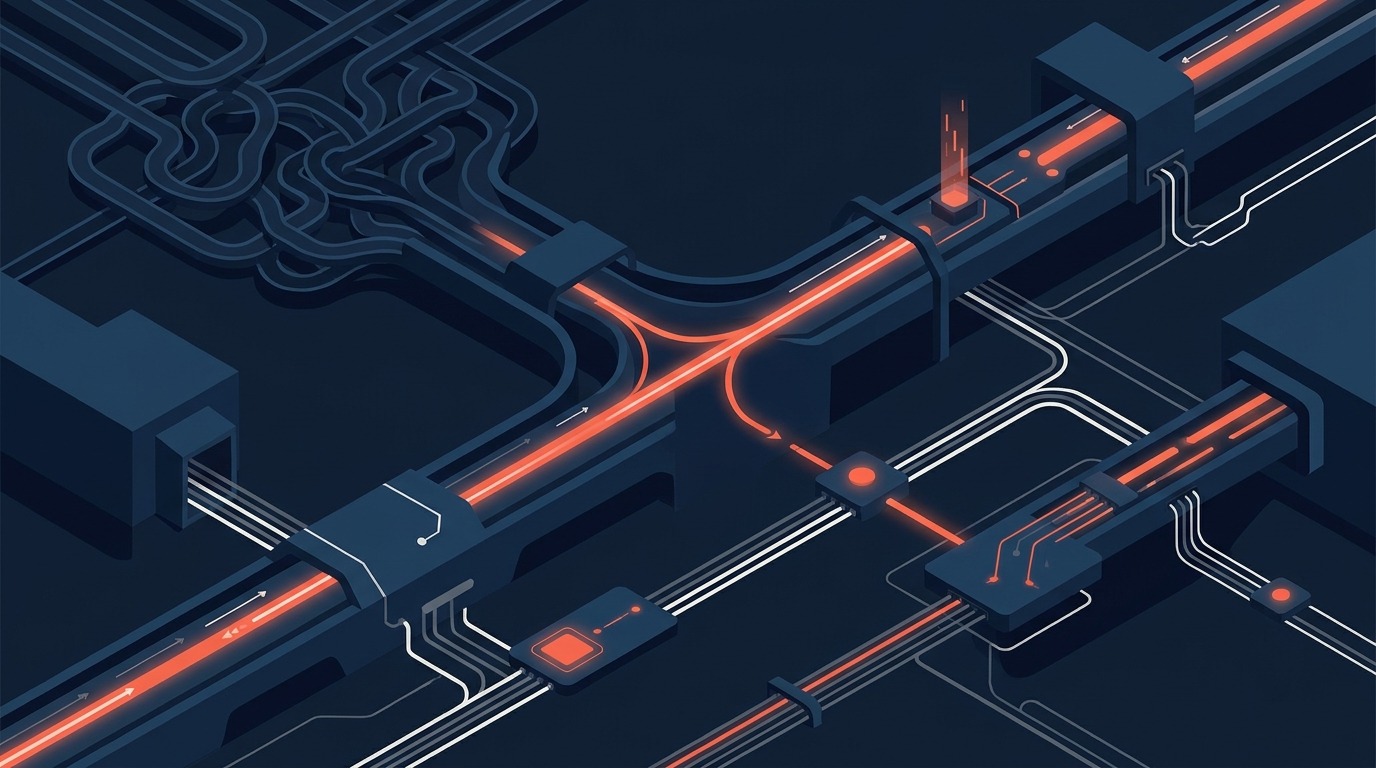
Root-Cause Productivity Comes from Process Design, Not Faster Steps
If a process is broken, making each step faster may only produce bad outcomes faster. A company that re-keys the same order three times will not be rescued by an assistant that types faster. It needs to stop re-keying.
This is Part 4 of the series on why AI will not replace proper ERP. Part 3 argued that connected data is the real asset. This article moves from tools to the operating model: where low productivity actually comes from, and what to fix first.
What really causes low productivity in a business?
Most low productivity comes from the design of the process, not from the speed of the people in it: rekeyed data, unclear ownership, manual approvals, missing procedures, invisible bottlenecks and conflicting records. These are root causes. Slow typing is a symptom.
- Rekeying data between systems. Every manual copy adds delay and a chance of error, and nobody notices until a customer is invoiced the wrong amount.
- Unclear ownership. When nobody owns the step between sales confirmation and purchase request, orders wait quietly.
- Manual approvals. A signature that depends on one person being at their desk turns a one-hour step into a three-day step.
- Missing SOPs. Without a defined way of working, every employee invents one, and quality varies by person.
- Poor visibility of bottlenecks. You cannot fix a queue you cannot see.
- Duplicate or conflicting records. Two versions of the truth cause rework and argument.
Notice that an AI assistant improves none of these by itself. It may help a person draft the email chasing the approval faster. The approval is still the bottleneck.
What does the research say about redesigning work?
The MIT Sloan article on how AI is reshaping workflows describes research arguing that the central question is no longer just how AI improves a single task, but how tasks are linked in a sequence. It notes that a single task AI handles poorly can undermine a whole chain, that every handoff between people and AI adds review and coordination cost, and that the gains arrive only once organisations adapt their workflows and build capability. The researcher quoted frames adoption as an organisational design challenge rather than a technology decision.
That is a strong argument for process design first. You cannot redesign a workflow that is not defined anywhere. An ERP forces the definition: each step, each role, each handoff, each exception, written into the system.
What does ERP contribute to root-cause productivity?
- Standardised workflows: the same way of working, every time, for every person.
- Automated handoffs: when a quotation is confirmed, the delivery and invoice steps start without anyone remembering to send an email.
- Real-time visibility: orders, stock, payables and receivables are visible while they can still be acted on.
- Exception management: the unusual case is routed to a named person instead of being lost.
- Measurable cycle times: time from enquiry to order, order to delivery, delivery to cash.
What does AI add once the process is sound?
Once the process is defined and measured, AI becomes much more valuable, because it has a stable thing to improve.
- Detect anomalies, such as an order cycle time that suddenly doubles.
- Suggest process improvements from patterns across thousands of transactions.
- Summarise exceptions so a manager reads five lines instead of fifty records.
- Support decision-making with context drawn from the record.
| Root cause | AI can | ERP must |
|---|---|---|
| Orders re-keyed between systems | Extract data from documents faster | Remove the re-keying by holding the order once and passing it on |
| Slow approvals | Summarise the request for the approver | Route by rule, escalate on timeout, record who approved |
| Unknown bottlenecks | Spot unusual delays in the data | Timestamp every stage so delays can be measured at all |
| Missing procedures | Draft a first procedure from observed behaviour | Embed the agreed procedure as the only way to complete the task |
A scenario: late deliveries that are not a warehouse problem
A distributor sees customer complaints about late deliveries and decides the warehouse is too slow. It buys an AI tool to help pickers plan routes. Deliveries stay late.
When the company finally analyses the order flow in its ERP, the picture changes. Delivery lead times were set years ago and never updated. Purchase approvals wait an average of two days for one director. Sales orders are marked confirmed before the customer has accepted the revised quantity. Supplier delivery dates were never recorded, so nobody knows which suppliers are the real cause. The warehouse is waiting for stock that was ordered late, against promises that were made without checking.
The ERP exposed the chain. AI can then help diagnose the patterns across it, for instance by highlighting that orders above a certain value wait longest for approval. But the fix is a process fix: delegated approval limits, accurate lead times and a confirmation step. An AI tool aimed at the warehouse would have optimised the wrong place.
How do you map a process before changing it?
You cannot improve what you have not seen. A useful process map does not need special software. It needs a whiteboard, the people who actually do the work, and twenty real transactions.
- Define the start and the end. For order to cash, that is a customer enquiry at one end and cash received at the other.
- Trace real cases, not the official procedure. Pick twenty recent orders, including a few that went badly, and follow each one through every person and system it touched.
- Record three things at every step: who did it, how long the work itself took, and how long the item waited before anyone touched it.
- Mark every re-keying, every handoff by email and every approval. These are the places where delay and error accumulate.
- Mark every exception. How often did the case leave the normal path, and who handled it?
Most teams are surprised by the result. The hands-on work in a typical order is measured in minutes. The waiting is measured in days. A process may contain an hour of real work spread across a week of elapsed time. That gap between touch time and elapsed time is the prize, and it is almost entirely a design question: who is accountable for moving the item along, and what makes it move.
Which fixes should come first?
Not every root cause deserves attention. A simple Pareto approach helps: a small number of causes usually produce most of the delay. List the causes you found, estimate the days of delay each one adds across your twenty cases, and rank them. Fix the top two or three before touching anything else. Treat the rule of thumb as a way to focus, not as a law, and check it against your own numbers.
| Typical finding | First fix | Where AI helps afterwards |
|---|---|---|
| Orders waiting for a single approver | Delegated limits and automatic escalation in the ERP | Summarise pending approvals and flag unusual requests |
| Customer details re-typed in three places | One customer record shared across sales, stock and accounts | Detect duplicate customers at entry |
| Stock availability unknown at quotation | Live availability and reservations in the quotation screen | Forecast shortages and suggest alternatives |
| No one owns supplier follow-up | Named buyer per supplier with expected-date tracking | Draft chasers and rank suppliers by reliability |
| Month end takes two weeks | Standard close checklist, locked periods, automatic reconciliations | Explain variances and draft management commentary |
A second scenario: the slow month-end close
A services company takes twelve working days to close each month. The finance manager proposes an AI tool to speed up the commentary and reconciliations. A process review shows a different picture. Timesheets arrive late because approval is optional. Supplier bills are held in a manager’s inbox until someone remembers them. Intercompany balances are agreed by email. Accruals are calculated from a private spreadsheet that only one person understands.
The fix starts in the ERP: timesheets must be approved by day two or they escalate, supplier bills are captured on arrival, intercompany balances are reconciled by the system, and accruals follow a standard template with a named owner. The close drops sharply, not because anyone typed faster but because nothing waits for anything. Only then does an AI tool add value, by drafting variance commentary from the posted figures and highlighting unusual balances for the controller. Had the company started with the AI tool, it would have written beautiful commentary on numbers that arrived late and still needed correction.
When does adding AI to a process make sense?
Use these four tests. If a step fails them, fix the process first.
- Is the step defined? There is a written standard path and a known owner.
- Is the data reliable? The inputs come from the ERP, not from private copies.
- Is the step measured? You know today’s cycle time and error rate, so you can see a change.
- Is the cost of an error bounded? A mistake can be caught and reversed by a person or a rule.
A step that passes all four is a good AI candidate. A step that fails the first two is a process design project that AI will not rescue.
What breaks without ERP
- Cycle times are anecdotes instead of measurements.
- Every complaint is blamed on the department that is easiest to see.
- Process improvements fade because nothing enforces the new way of working.
- AI speeds up fragments of a process nobody has mapped.
What AI cannot own
- The decision about who is accountable for each step.
- The agreement on how the business actually wants to operate.
- The authority limits that govern approvals.
- The evidence that the agreed process was followed.
The key message: do not use AI to accelerate a broken process. Fix the process using ERP and process design, then apply AI where it adds judgement or speed. Next, in Part 5, we ask what happens when AI is given the power to act.
Frequently asked questions
Should we fix our processes before or after buying AI tools?
Before, for anything that touches money, stock or compliance. Low-risk personal productivity tools can run in parallel, but automating a flawed process only produces flawed output faster.
How do we find our real bottlenecks?
Measure the time between stages for a sample of orders. An ERP that timestamps each stage gives you this for free. Without one, trace twenty orders by hand and note where each waited.
Does standardising a process kill flexibility?
Standardise the common path and design explicit exception routes. Flexibility without a defined default is usually just inconsistency.
Where does Odoo help most with process design?
Its modular apps share one database, so handoffs between sales, inventory, purchasing and accounting are built in. That removes much of the rekeying that drives low productivity.
What is the difference between touch time and elapsed time?
Touch time is the time someone actually works on an item. Elapsed time is the total time from start to finish, including waiting. In many business processes the waiting far exceeds the working, which is why redesigning handoffs and approvals often beats speeding up individual tasks.
Can AI help map our processes?
Yes, in a supporting role. It can summarise interview notes, draft process descriptions and spot patterns in exported transaction data. The map must still be checked by the people who do the work, and the agreed process must be built into the ERP.
A question for you: which step in your order-to-cash process has no named owner?
Sources
By Willie Loo, Managing Director, Mxgsoft Pte Ltd and Moxogo Pte Ltd, Singapore. Part 4 of 9 in the series Why AI Will Not Replace Proper ERP.
Two companion articles extend this series: why agentic tools cannot replace enterprise data governance and audit trails, and how personal AI workflows differ from cross-department ERP control.
Next step: trace twenty recent orders from enquiry to payment and mark where each one waited. The longest wait is your first process fix. Related reading: The Compounding Moat.
More Articles
Team Human and the Pro-Human AI Declaration, Fact-Checked: What Two Campaigns Say and What Holds Up
Two 2026 campaigns ask who stays in charge of AI: Team Human wants a global slowdown, the Pro-Human AI Declaration sets 33 principles. We read both so...
Read Article
Preschool and Childcare Management Software Singapore: From Enrolment to Fee Collection Without the Paperwork
Why Childcare Centres Need Better Systems Singapore’s early childhood education sector is growing, government subsidies, rising enrolment rates,...
Read Article
The Pro-Human AI Declaration for Business: 33 Principles and What Each Means for a Small Company
The Pro-Human AI Declaration has 33 principles. Which ones can a small business act on? Each principle in plain words, with a 15-question self-check, ...
Read Article